
A Custom Push Button Switch RFQ only works when you tell the supplier which changes are true engineering modifications—and which fields are still open—instead of sending a photo and a quantity. This page separates catalog configuration from custom work, shows what to write for contact changes, mounting dimensions, wire length, legend or imprint, and sealing, and ends with a sample gate so production does not inherit a bench-only approval.
Custom Configuration vs Custom Modification
Buyers say “custom push button” for two different jobs. Suppliers quote the wrong part when those jobs are mixed in one email.
Catalog configuration picks published options on an existing family—head color, LED on or off, contact arrangement offered on that series, terminal style already tooled. The supplier maps your checklist to a stock or lightly configured SKU.
Custom modification asks for a change that is not a simple option code: a different actuator geometry, a non-standard panel cutout or thread length, a pre-wired harness length, a laser-etched legend, a contact block not offered on the catalog page, or extra sealing beyond the published description. That path needs drawings, tolerances, approval samples, and explicit “feasibility TBD” flags—not a color code alone.
Write the RFQ in two labeled blocks: Configuration fields (what you can select from published options) and Modification fields (what must be engineered or tooled). If every line sits in the first block, you are buying a configured series, not a modified switch. If the second block is empty but you still need a cutout the catalog never lists, the RFQ is incomplete.
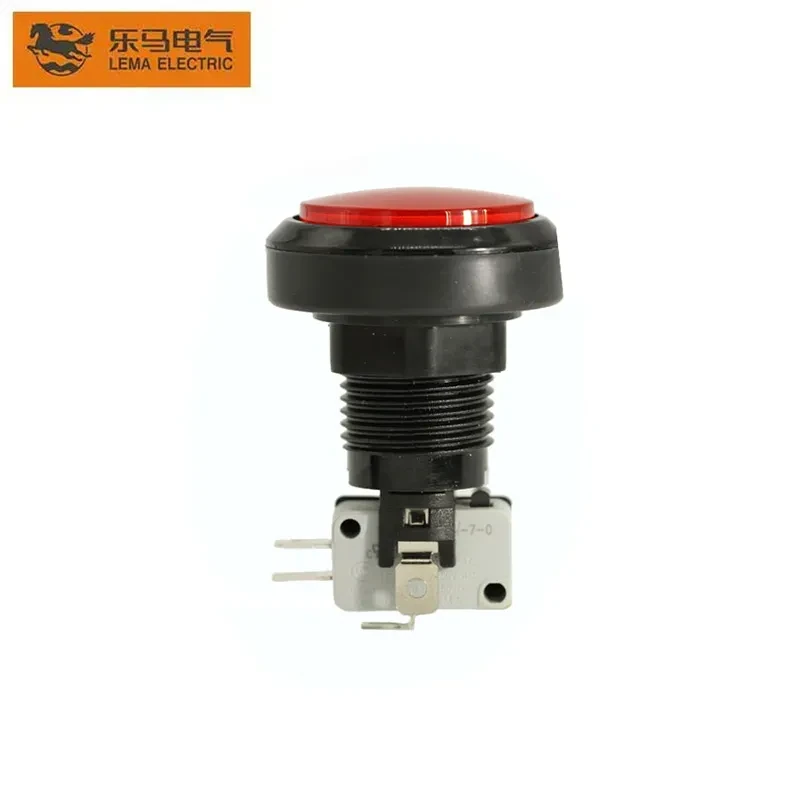
What a Custom Push Button Switch RFQ Must Lock
An answerable OEM RFQ checklist—the RFQ package—names the interface, the circuit role, any modification scope, and the documents the supplier must match—before anyone compares catalog photos.
Procurement teams often treat a head style or an illuminated lens as proof of fit. That shortcut collapses mechanical, electrical, modification, and indication decisions into one vague request and produces repeated clarification loops.
| RFQ block | What to send | Buyer evidence |
|---|---|---|
| Mechanical interface | Cutout intent, panel thickness, rear keep-out, service access | Panel drawing or section view |
| Modification scope (if any) | Cutout change, wire length, imprint file, contact change—each as its own line | Marked drawing or spec delta vs catalog |
| Operator action | Momentary or maintained (latching) | Control narrative or ladder note |
| Contact logic | NO / NC arrangement required | Circuit document |
| Electrical duty question | Load type; ask supplier to name utilization category on datasheet | Circuit V/I or load description |
| Indication | LED needed or not; color; supply expectation | HMI / panel legend |
| Environment | Temperature band, vibration, moisture or wash exposure, sealing intent | Application note |
| Quantity & approval | Sample qty; production qty; golden-sample rule | Purchase plan |
Keep the package short enough that every line can be checked against a drawing or a model page. A long wish list without evidence still fails for the same reason a photo-only RFQ fails.
Mechanical Interface Fields Buyers Forget
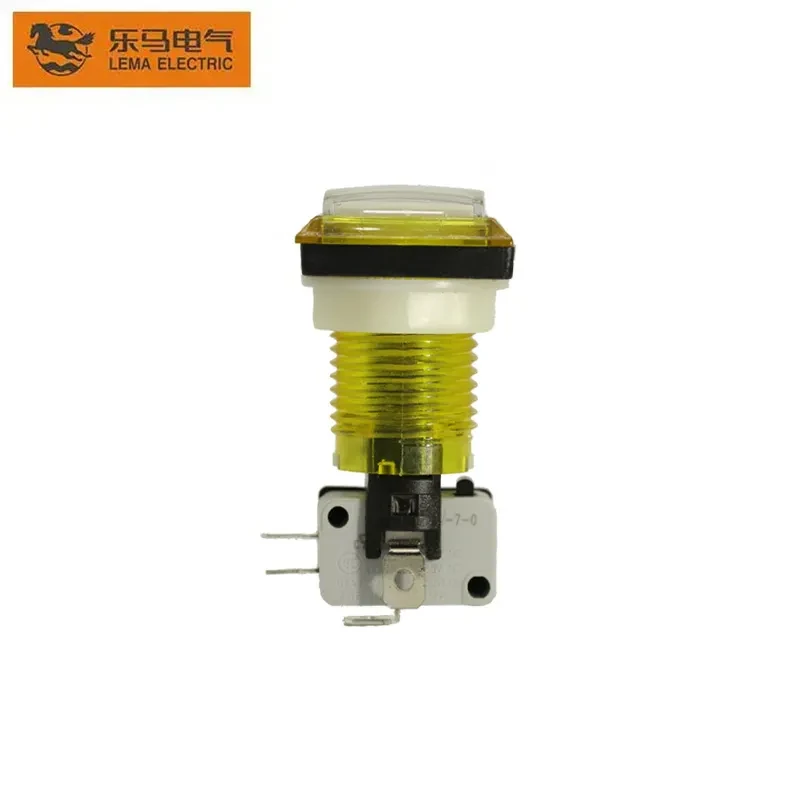
Mechanical fit fails when the panel cutout / mounting interface, panel thickness, bezel footprint, and rear volume are treated as one “size” question.
A switch can look correct from the front while the body, nut, terminals, or wire bend cannot clear the enclosure. Review the finished opening, the panel thickness that sets retention hardware, and the rear keep-out that protects harness access as three separate lines.
Ask for a front view and a section that shows neighboring ducts, DIN rails, or covers. Service access belongs in the same review: if terminals cannot be reached after the door closes, the sample will pass on a bench and fail on the machine.
When the job is truly custom, mechanical lines must state delta, not adjectives. A deeper bezel or a non-catalog cutout still needs a dimension or a reference drawing. Do not invent a mounting diameter when the drawing is open—record the open item, then close it against the supplier drawing for the exact configuration you intend to sample.
Custom Modification Fields Beyond Catalog Options
These are the lines buyers skip when they only copy color codes from a product page. Each belongs in the Modification fields block with its own evidence attachment.
Contact form or block change. State the required NO/NC arrangement, whether you need a different contact block than the series default, and whether the change is for the switching contacts only or includes auxiliary poles. Attach the circuit diagram; do not assume the supplier will “match the old part” from a photo.
Mounting and panel interface change. Specify cutout diameter or square, panel thickness range, thread length or nut style, bezel projection, and any anti-rotation requirement. If the front looks standard but the rear body is longer, show the section view with the longest wire bend radius you will allow.
Wire length, termination, and harness. Pre-wired leads are a modification, not a color option. Give lead length, gauge, insulation class if your harness standard requires it, connector type or bare tinned ends, and strain-relief expectations. A wrong lead length often fails at final assembly even when the head fits the hole.
Legend, imprint, or marking. Provide artwork for laser etch, pad print, or molded legend—font, language, symbol set, and location on the actuator or bezel. Marking errors are expensive because they pass electrical sample review and fail at customer acceptance.
Sealing or protection beyond published series data. Describe the exposure (wash-down zone, outdoor cabinet, dusty plant aisle) and ask the supplier to confirm which sealing approach applies to the exact configuration—not to the family name. Do not paste an IP code into the RFQ unless your internal standard already selected that code and you can tie it to test method and mounting.
If a line cannot be supported yet, label it feasibility TBD and keep it in the modification block. Hiding it inside “standard PBS” language is how quotes arrive without the engineering you thought you bought.
Action, Contacts, and Control-Circuit Language
Action type and contact form must match the control document; software or wishful naming cannot convert one hardware behavior into another.
Momentary action means the circuit changes only while the operator is pressed. Maintained / latching action keeps the selected state until another operation changes it. On the Arduino Forum, builders regularly try to force latching behavior from momentary hardware and discover the device still springs back—exactly the mismatch an RFQ should prevent by stating the action in plain words.
Contact language should follow the circuit, not the catalog nickname. NO / NC contacts—normally open and normally closed forms, including combinations such as 1NO+1NC—define how the resting state relates to the actuated state. Map the requested form to terminal assignments on the wiring drawing before you ask for price.
For electrical duty, industrial control-circuit devices are commonly specified under the IEC 60947-5-1 family. Public text for the standard explains that contact elements are classified by utilization categories—shorthand for how hard a contact is expected to switch a given load type.
In RFQ language, ask the supplier to mark the proposed configuration against the relevant category on the datasheet—for example AC-15 for AC control-circuit loads and DC-13 for DC control-circuit loads—rather than copying a voltage number from an unrelated circuit. If your load is inductive, inrush-heavy, or low-level, say so in the same line so the category question is not answered against the wrong duty.
Do not paste a voltage or current into the RFQ unless your circuit document already owns that number. The utilization question is how procurement asks for proof; it is not permission to invent a rating.
When Illumination Belongs in the RFQ
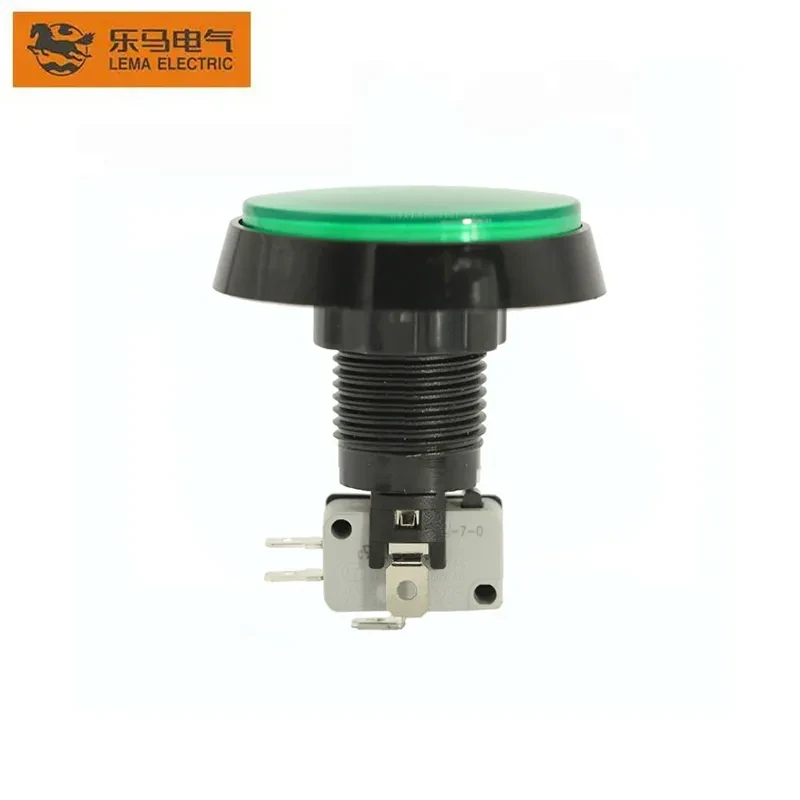
Illumination is a separate circuit decision from the switching contacts, even when both sit in one illuminated push button operator. LED illumination belongs in the RFQ only when the panel legend needs a locator or status light at the same station.
A push-button can carry a pilot light so operators see machine state, but the energy that lights the lens is often tied to process feedback rather than to the switch contacts themselves. Specifying “illuminated” without color, supply expectation, and whether the lamp is a locator or a status signal invites the wrong LED option.
Write three lines when light matters: whether LED is required, which color the panel legend expects, and which supply the indication circuit uses. Treat lamp voltage or current as part of the indication block, not as an afterthought on the contact block.
If the design does not need a lamp, say so explicitly. Silence is often read as “supplier choice,” which is how mismatched illuminated samples appear.
Environment, Vibration, and Sealing in the RFQ
“Exposure notes” is not an environment specification. Split the RFQ into fields the supplier can answer against test data or application history.
| Environment field | What to write | Why it matters |
|---|---|---|
| Temperature band | Min / max ambient at the panel location; any heat from nearby drives | Affects contact material, LED life, and lubricant in maintained mechanisms |
| Vibration / shock | Machine class, cycle rate, or “fixed panel vs mobile equipment” | Prevents choosing an actuator or legend that fades or self-actuates |
| Moisture / wash | Occasional condensation, hose-down zone, outdoor cabinet | Drives sealing questions tied to the exact head + gasket + panel cutout stack |
| Contaminants | Oil mist, metal dust, cleaning chemistry | Affects sealing and marking durability |
| Compliance documents | Which certificates must name the configuration, not the family | Stops a generic family sheet from substituting for your approved sample |
| None of these lines should invent an IP or certification for a supplier product. They tell the supplier which exposure you need them to confirm against the configuration you will buy. |
Sample Checklist Before You Freeze the BOM
Use this push button switch sample gate after the RFQ package is locked. Sample approval exists to catch fit, feel, continuity, and marking problems that a datasheet sketch cannot show in your enclosure.
Approve hard-to-change items first: outline and mounting behavior in the real panel, rear clearance, terminal access, wire length, and imprint accuracy. Cosmetic preference comes after the part can be installed and wired without force.
| Sample check | Pass signal | Fail signal |
|---|---|---|
| Panel fit | Seats per drawing; nut torque path clear | Bezel clash, rock, or forced seating |
| Actuation feel | Matches intended momentary or maintained behavior | Unexpected latch, soft return, or sticky travel |
| Contact continuity | Pins match the wiring document under actuation | Random pin map; undocumented bridging |
| LED (if ordered) | Lights on the intended supply/color | Dim, wrong color, or wrong supply assumption |
| Marking / legend | Matches artwork or approved imprint file | Wrong text, symbol, or illegible mark |
| Modification delta | Matches the labeled modification block | “Same as catalog” sample when RFQ asked for custom |
| > From the field: On the EEVblog beginners thread on wiring a 4-pin push button, measurers find that pinouts vary by manufacturer and batch. Demand a pinout for the approved configuration or measure the sample before you freeze the footprint—not before you freeze a family nickname. |
Keep one labeled sample as the golden sample when multiple color, LED, or modification variants are in play. Production releases should point to that sample ID and drawing revision, not to a series name alone.
Mapping the Checklist to PBS Series Product Options
If every line in your RFQ sits in the Configuration fields block and nothing in Modification fields is open, you may be sourcing a configured series rather than a tooled custom job.
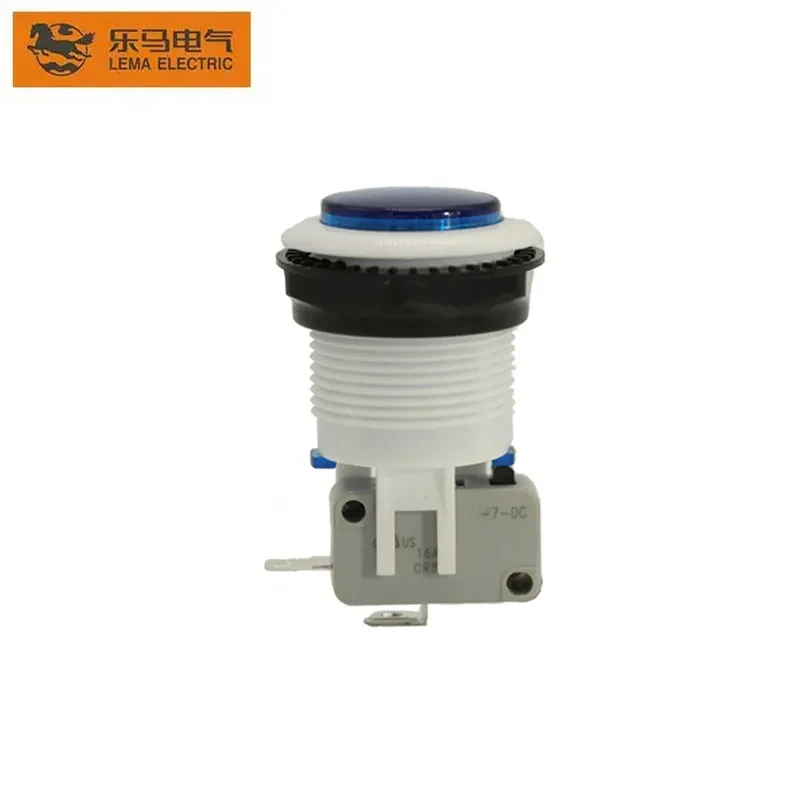
The PBS Series Push Button Switch page is one first-party example: published color codes R, Y, B, G, P, and W; LED choices Without LED and L: With LED; and a note that a KW7 micro switch block is available for some types—not every type. Use those lines only to fill configuration cells you already decided. They do not replace cutout drawings, utilization-category questions, modification deltas, or golden-sample approval.
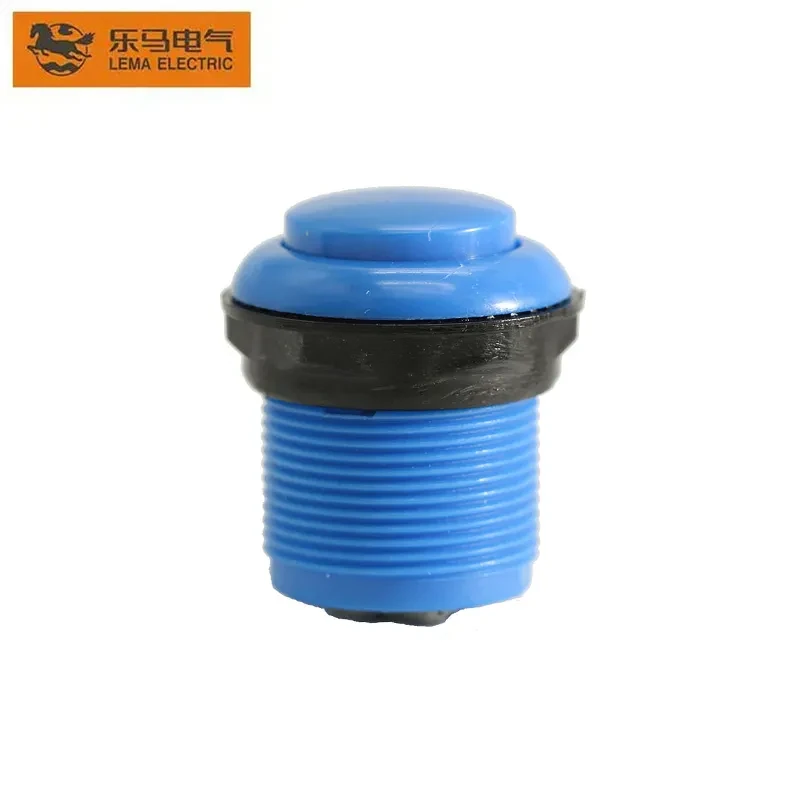
If your circuit needs a KW7-style contact block inside a PBS head, ask whether the exact head and contact combination you want is among the types that can take KW7. Treat that as a configuration question with a feasibility answer—not as a blanket series claim.
When the modification block is non-empty, send the engineering package first. A series page helps buyers understand available configuration codes; it does not substitute for the modification evidence in the RFQ.
Send a Complete Package via Contact Us
After the configuration and modification blocks are filled—or honestly marked open—send the RFQ, drawings, utilization questions, environment fields, and sample plan through Contact Us.
Attach the panel package, the action and contact decisions, the indication block if used, the golden-sample rule, and any configuration codes you already selected. Label open items so engineering and purchasing share the same risk list.
A complete, honest package is faster to quote than a polished email that hides unresolved fit, duty, or modification questions.
FAQ
What is the difference between configuring a series and requesting a custom modification?
Configuration selects published options on an existing family—color, LED choice, contact arrangement already offered. Modification asks for engineering or tooling changes such as cutout size, wire length, imprint artwork, contact block changes, or sealing beyond published data. Split them in the RFQ so the quote matches the job.
Which utilization category should appear on a push button datasheet?
Under IEC 60947-5-1, contacts are classified by utilization categories that describe load duty—commonly AC-15 for AC control circuits and DC-13 for DC control circuits. Ask the supplier to show the category on the datasheet for the exact configuration you will buy, tied to your stated load type—not a generic family sheet.
How should vibration, temperature, and sealing enter the RFQ?
Write separate lines for temperature band, vibration or shock class, moisture or wash exposure, and contaminants. Ask the supplier to confirm sealing and materials against that environment for the approved configuration. Do not copy an IP code unless your internal standard already selected the code and test context.
Why must lamp and contact circuits stay in separate RFQ blocks?
The switching contacts and the indicator lamp often use different supplies and failure modes. Mixing them in one vague “illuminated switch” line produces samples that fit the hole but wire incorrectly. State lamp need, color, and supply in the indication block; keep NO/NC logic in the contact block.
What makes a golden sample different from naming a series?
A golden sample is a labeled unit and drawing revision approved for fit, continuity, marking, and modification delta in your panel. Production releases point to that sample—not to “PBS Series” or any family nickname alone.
Which drawing views belong in a panel-mount custom RFQ?
Include front view, section for rear keep-out, neighboring parts, wire-exit direction, and any imprint artwork. Custom modification lines need dimensions or deltas against the catalog reference, not adjectives alone.
References
-
IEC 60947-5-1:2024 — Electromechanical control circuit devices — standard family covering push-buttons as control circuit devices.
-
IS/IEC 60947-5-1 (2003) public text — push-button definition and contact-form / utilization-category framework.
-
Push-button (Wikipedia) — industrial operator and pilot-light context.
-
Wiring 4-pin push button in KiCad (EEVblog) — pinouts vary; documentation or measurement required before freezing design.
-
Momentary button as latching button (Arduino Forum) — action type must be specified in hardware; software cannot permanently substitute maintained behavior.