
A momentary vs maintained push button decision comes down to what should happen after the operator releases the control: a momentary button acts only during the press, while a maintained button keeps its changed state until it is actuated again. That physical difference should be decided before contact form, control logic, indicator feedback, ratings, mounting, and the final model are selected.
It is an easy distinction to blur because both choices may look like ordinary panel buttons. Start with the operator’s required action, then confirm how the circuit and selected model turn that action into a usable command.
Momentary vs. maintained push buttons: the direct answer
Momentary action exists only while the button is actuated; maintained action, also called latching action, holds its changed state until the next actuation. The question is not which style is generally better. It is whether the panel command needs a short, deliberate input or a state that remains at the switch.
| Decision point | Momentary push button switch | Maintained push button switch |
|---|---|---|
| During the press | The command changes while the operator holds the button. | The command changes when the operator actuates the button. |
| After release | The button returns and the temporary command ends. | The changed switch state remains until the next actuation. |
| Useful first question | Should this command exist only while pressed? | Should this control retain its state without a continued press? |
Different operator outcomes follow from that choice: a reset control needs a brief input, while a retained panel selection needs the switch position itself to carry the state. The operational contrast matches APEM’s explanation of momentary and latching action.
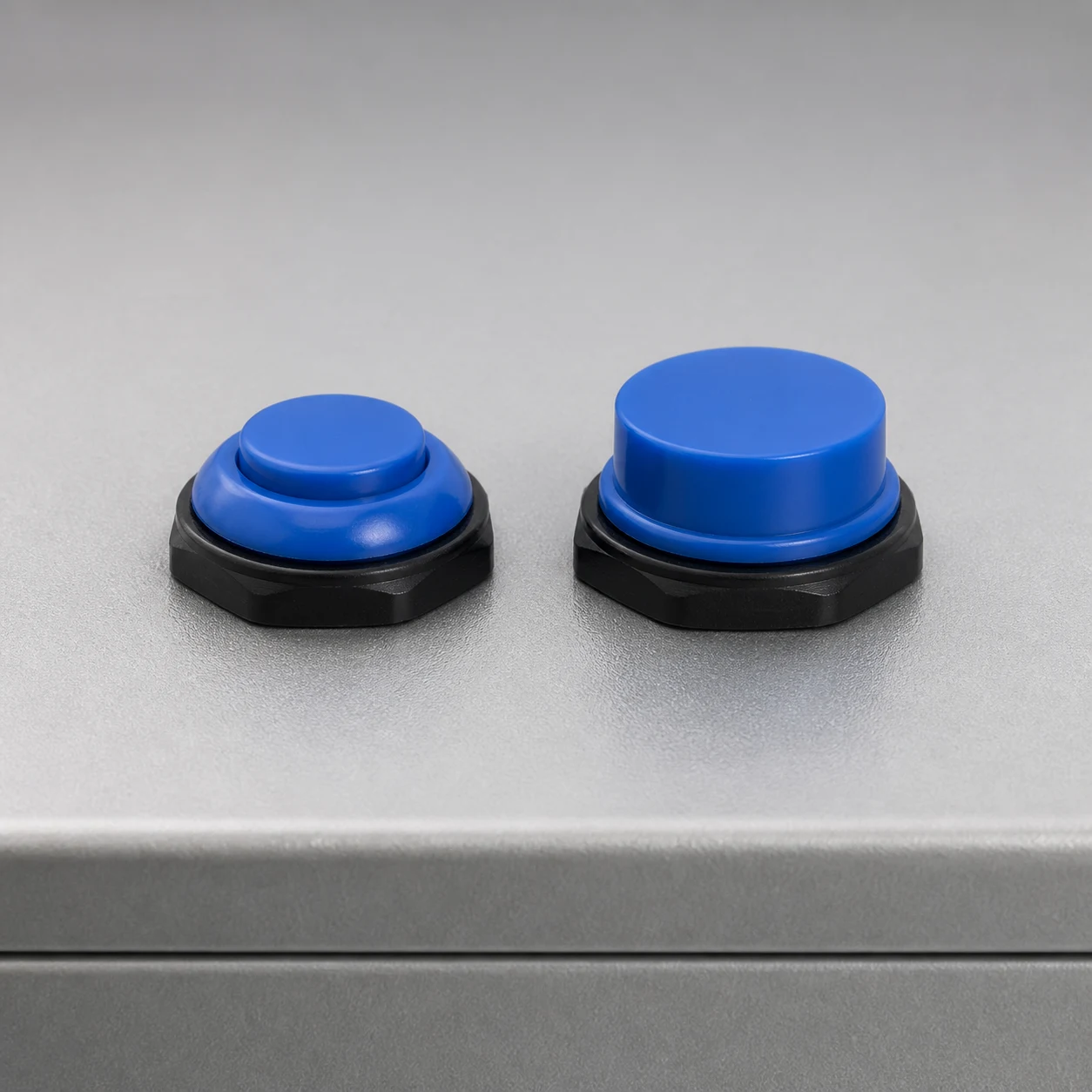
What changes when the button is released?
Release is the clearest practical test: a momentary push button returns when the operator lets go, while a maintained control remains in its changed state. In plain language, one works for the time a finger is on it and the other remembers the press mechanically.
This release behaviour is about action persistence, not about the panel’s overall function. A system can use a brief press as an input and do something more after receiving it, but the switch has still supplied only a momentary physical action.
Read the operator movement before reading the product label
Picture a keypad key or a reset button: the user expects the input to exist during a press and then finish. SparkFun’s momentary-switch overview uses reset and keypad inputs as familiar intermittent examples, which makes the action easy to recognize without turning those examples into a design prescription.
A latching push button answers a different operator need. The operator acts once, then can see or feel that the control has stayed in its changed condition until the next actuation. That can be useful where the physical control, rather than a held press, is meant to retain the immediate state.
Do not confuse action type with NO/NC contacts
Action type tells you how long the change lasts; normally open and normally closed describe the contact state that the circuit needs. They are separate selection axes, so choosing momentary or maintained action does not finish the contact decision.
Normally open / normally closed (NO/NC) should be treated as circuit-language labels. In simple terms, they tell you the contact’s starting condition, not whether the button springs back or stays actuated.
Keep the sequence in the right order
First define the required operator behaviour. Next, identify the contact form specified for the circuit, then confirm that the selected model provides that combination. APEM’s comparison notes that either action category can be associated with NO or NC contacts, which is the reason these questions should not be collapsed into one.
This separation also makes procurement conversations cleaner. Instead of asking for a generic “push button,” the request can state the needed action and the contact form, while the final datasheet check resolves the exact configuration.
Choose by the job of the command
The best starting point is the job of the command: use momentary action for an input that only needs to exist during the press, and consider maintained action when the switch itself must retain the changed state. This approach is more useful than choosing by appearance or by a broad product category.
Intermittent user inputs give a clear momentary example. A reset or keypad command can be a short physical signal, leaving the receiving control system to decide what follows; the switch does not need to stay pressed to communicate that input.
Use a retained-state question for maintained action
Ask whether the operator needs the panel control to remain in its changed position after the hand moves away. If the answer is yes, a maintained push button switch or latching push button is the action family to evaluate.
That still is not a shortcut to a final part number. Action is one item in the selection; the circuit’s contact form, electrical requirements, mounting arrangement, and the actual model documentation remain separate decisions.
Who should retain the state: the switch or the control system?
A brief physical input and a retained system state can be different choices. The switch can provide a momentary command while control logic retains the next state elsewhere, or the switch itself can retain the changed position when that is the intended operator interface.
The useful design conversation is therefore not merely “momentary or maintained?” It is “where should this particular command live after the press ends?” Resolve that question with the people responsible for the control behaviour before treating the switch action as the complete answer.
From the field: Controls practitioners have raised a practical question about whether an HMI or PLC will retain a brief command or miss it because of refresh and communication timing. That is an integration question to confirm in the actual system, not a programming or safety rule. Source: r/PLC discussion.
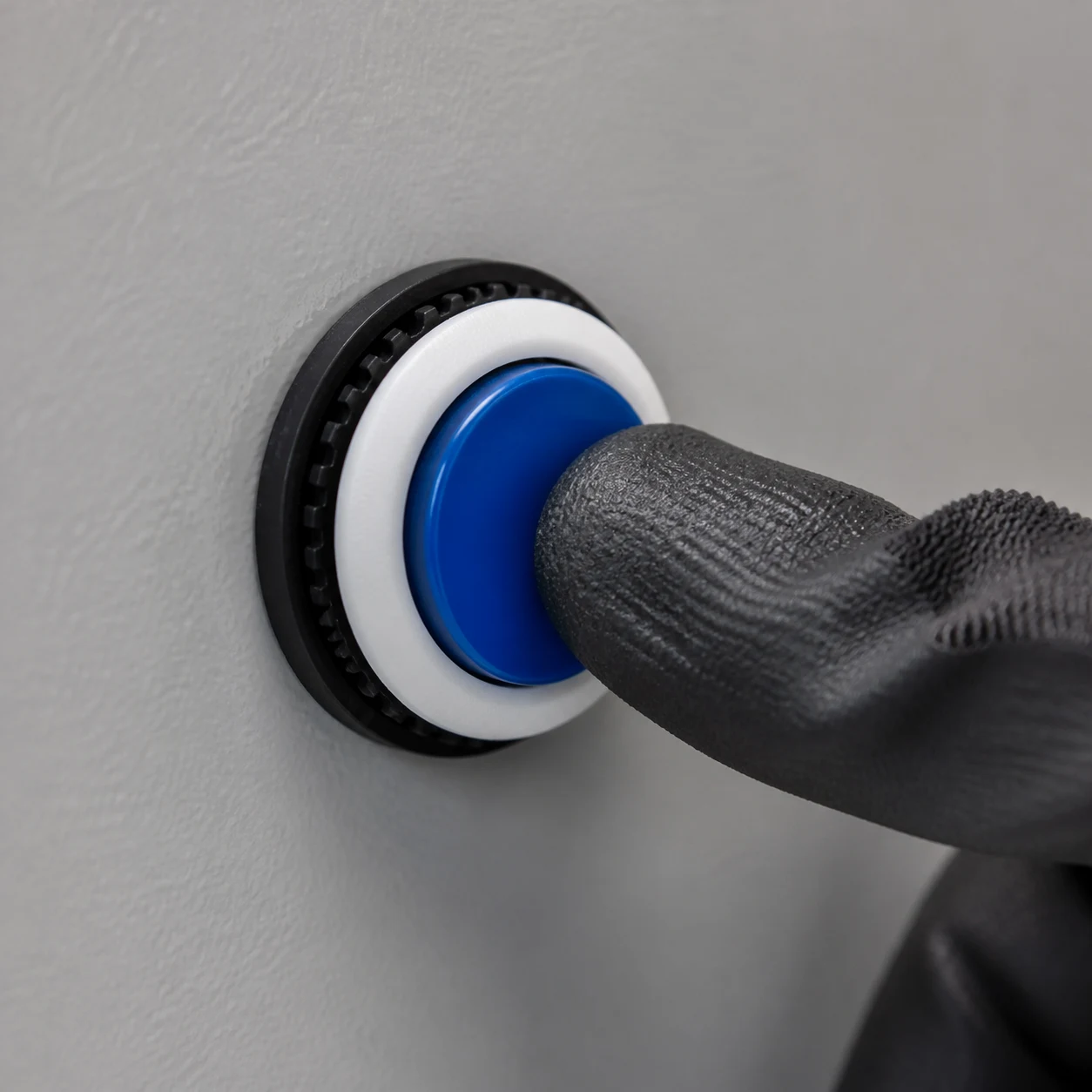
Do not infer a wiring scheme from that distinction alone. The input interpretation, required sequence, and selected contact arrangement belong to the actual control design, while this comparison simply establishes the physical action that the operator will make.
Decide whether visible feedback is required
Decide whether the panel requirement calls for a visible indication, such as an LED indicator, then keep that decision separate from the button’s mechanical action. Momentary or maintained action alone does not specify whether the selected configuration needs an indicator.
On the PBS Series page, “Without LED” and “L: With LED” appear as ordering choices; confirm the exact configuration before treating either as part of a selected model.
For readers considering the lighted-control side of the decision, see Planning an Illuminated Push Button Switch for an OEM Panel. It is a related topic, while emergency-stop selection is a separate question with its own OEM panel guide.
Feedback does not define the action type
An indication choice does not by itself establish whether the hardware is momentary or maintained. Keep it beside the final configuration review so the chosen indication, action, and contact requirements remain aligned.
What to verify on the final model
After choosing the action, confirm the selected model’s contact form, ratings, and mounting against the circuit and panel design. A momentary or maintained label cannot supply those model-level details on its own.
| Check | Question to settle | Why it remains separate |
|---|---|---|
| Action | Should the operator create a temporary input or a switch-held state? | This establishes momentary or maintained behaviour. |
| Contact form | Does the circuit call for NO, NC, or another specified arrangement? | Contact state is not the same choice as action type. |
| Ratings | Do the selected model’s documented ratings match the design? | Action alone does not establish electrical suitability. |
| Mounting | Does the selected model fit the panel and assembly plan? | Panel fit must come from the actual model information. |
| Feedback | Is visible indication a stated panel requirement? | It is a configuration decision, not proof of control behaviour. |

This final-model review follows the practical selection advice in Same Sky’s push-button overview: compare the contact arrangement, ratings, and mounting requirements against the design rather than treating a switch category as a complete specification.
Explore the PBS Series after defining the requirement
Once the required action and contact form are defined, the PBS Series Push Button Switch offers a relevant LEMA starting point. Its ordering information lists LED-light choices of “Without LED” and “L: With LED,” together with colour codes R, Y, B, G, P, and W.
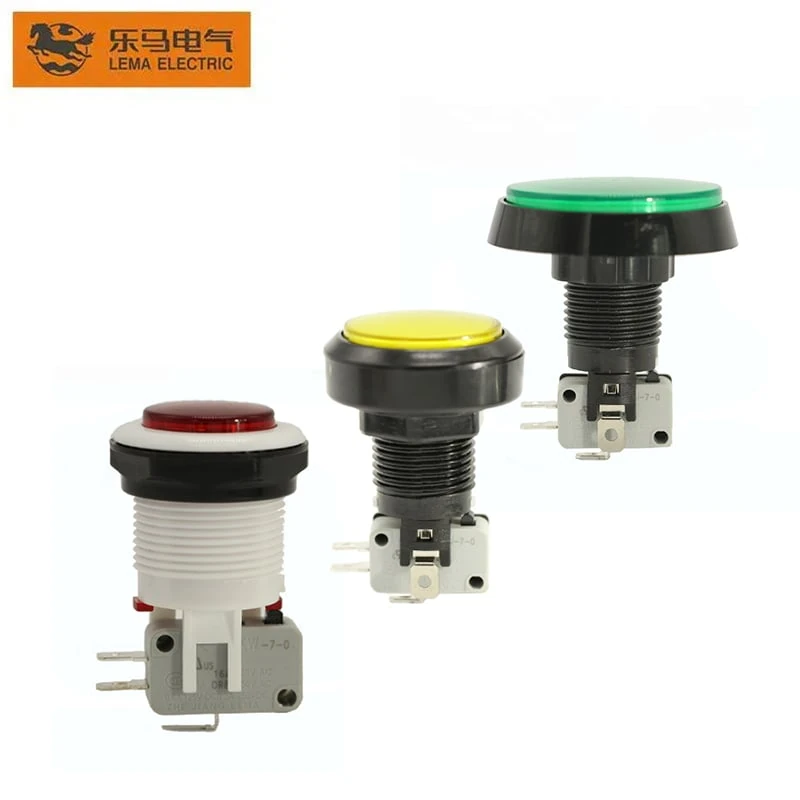
The same PBS page says that some types can be equipped with KW7 series micro switches. Use those listed ordering details to begin a configuration discussion, then confirm the action, contact form, ratings, mounting, and exact model fit before the part is specified.
The listed ordering details do not establish the action or performance characteristics of every PBS configuration. Use the comparison first to give the product conversation a clear starting requirement instead of an ambiguous label.
FAQs
What is the difference between a momentary and a maintained push button?
A momentary push button acts only while it is pressed and returns on release. A maintained button retains its changed state until it is actuated again.
Is a maintained push button the same as a latching push button?
Maintained action is commonly called latching action because the changed state remains after the press. Confirm the wording and action on the selected model’s documentation.
What is a momentary push button used for?
It fits an intermittent input that only needs to exist during the press, such as the familiar reset or keypad examples. The receiving system determines what happens after that temporary input.
Are normally open and normally closed the same as momentary and maintained?
No. NO and NC describe contact state, while momentary and maintained describe how long the action persists; both choices must be confirmed for the final model.
Is every push button a momentary switch?
No. A push button describes a control format, while its action can be momentary or maintained. Use the required release behaviour to distinguish the two.
Can a momentary switch provide an on/off function?
A momentary physical input can be used by control logic that retains an on/off state elsewhere. Confirm how the actual system interprets the brief command instead of assuming the switch alone retains that state.
When is an illuminated maintained button worth considering?
Consider visible indication only when the panel requirement calls for it. Then confirm the LED option and exact configuration on the selected model.