
An illuminated push button should communicate a documented state within an OEM panel. Define the indicator purpose, circuit logic, panel legend, installation and service process before selecting a device.
Important: an illuminated cap, a color or a front-panel photo does not prove lamp voltage, rating, IP class, approval or life. Source note: use selected-model documentation and the IEC 60947-5-1 publication scope before release.
– FAQ
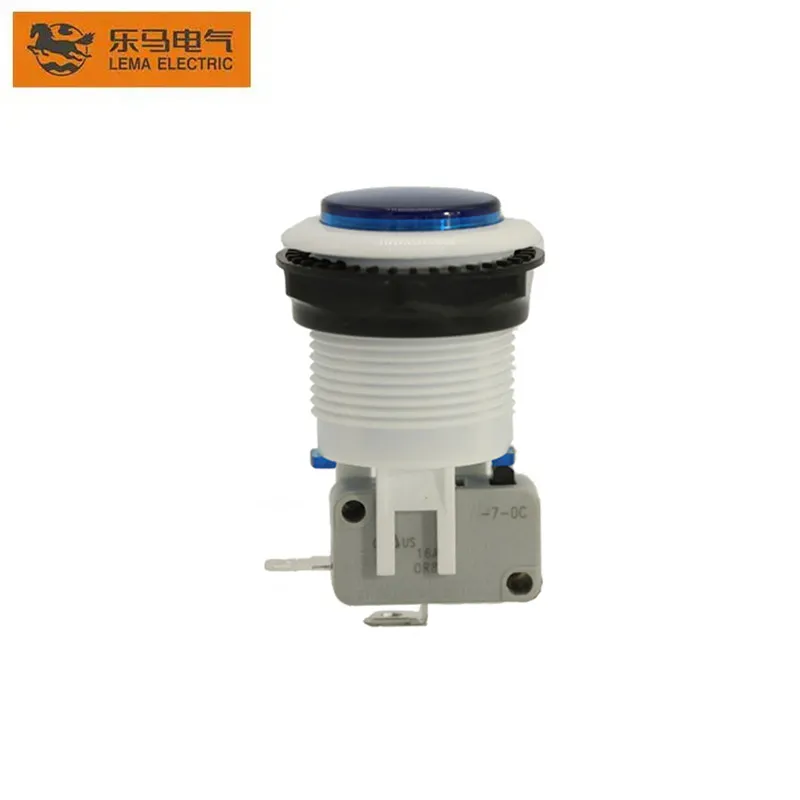
Part 1. What is an illuminated push button switch used for?
It combines an operator control with a visible indication only when the selected device and circuit design document that behavior. Start by describing the state the indicator must communicate to the operator.
Use the LEMA Push Button Switch product line after the application file is defined.
Part 2. Which indicator and circuit inputs should be documented?
Record the intended indication, supply and circuit context, legend, viewing conditions, operator distance, installation orientation and service expectation. Include whether the requirement is a new build, retrofit or sample review.
| Input | Document | RFQ |
|---|---|---|
| Indication | State to be communicated and legend | Yes |
| Circuit | Control logic and interface drawing | Yes |
| Panel | Cutout, thickness and rear access | Yes |
Part 3. How do contact logic and panel legend work together?
The legend tells the operator how a documented control is intended to be used; the circuit drawing defines what the control does. Keep both in the same review package so label, behavior and service instructions do not diverge.
For a different Push Button context, see the emergency-stop panel context guide.
Part 4. Which panel and service details matter?
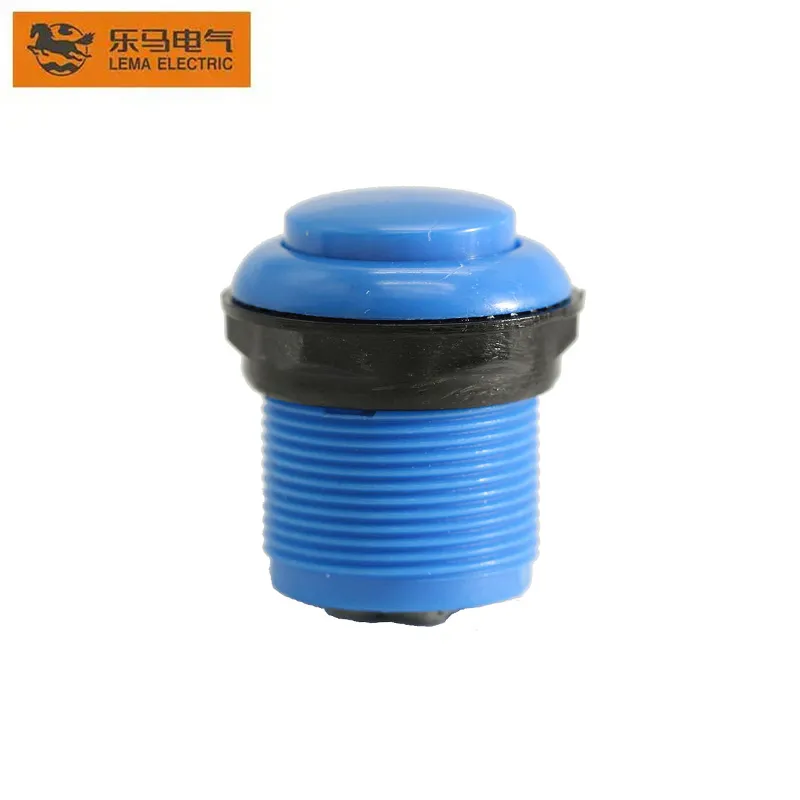
Review panel cutout, thickness, labels, spacing, visibility, rear clearance, harness access and replacement method. A clear service route helps the team compare the selected-model documentation with the installed panel.
Part 5. Why does a general guide not prove model performance?
The word illuminated does not establish a color, brightness, supply, contact duty, sealing, approval or service life. Confirm each needed property from the selected model documentation and the final circuit design.
Part 6. What should be validated before release?
Validate the production-intent panel for operator interpretation, circuit behavior, legend readability, viewing conditions, access and selected documentation. Record the sample configuration with the release decision.
Fit Boundary: this guide organizes indicator and panel inputs; it does not certify a model or system function.
Part 7. How can LEMA support an inquiry?
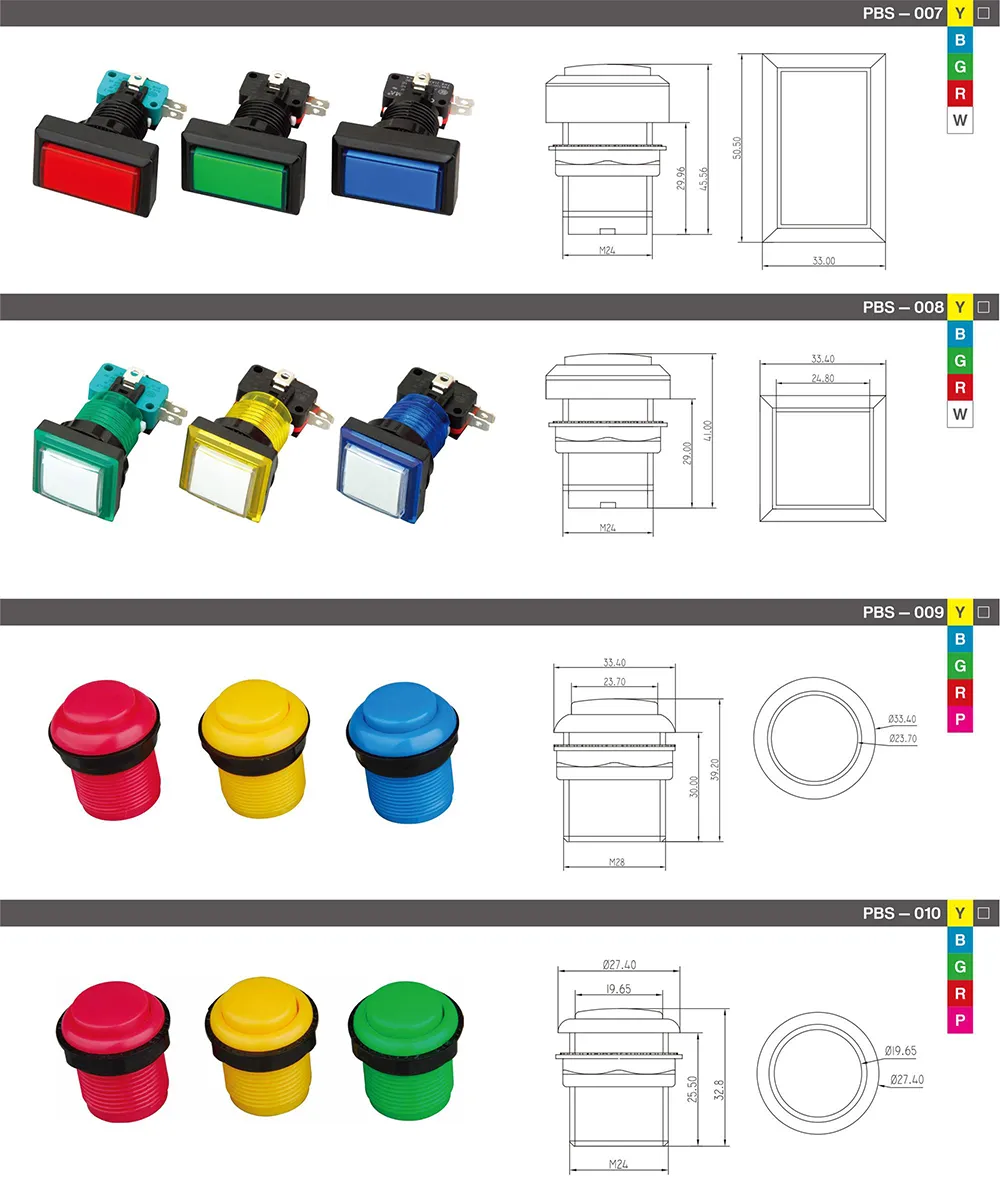
Use the PBS series push button switch route after documenting the indicator, circuit and panel inputs.
Send an illuminated push-button RFQ with indication, legend, circuit, panel and sample details.
## FAQ
What is an illuminated push button switch used for?
It can combine an operator control with a documented visible indication in a panel design.
Does a lighted button define the circuit function?
No. The circuit drawing and selected device documentation define the intended behavior.
Which lamp inputs belong in an RFQ?
Include the intended indication, circuit context, legend, viewing conditions and service expectations.
Should legend and color be documented together?
Yes. Keep the operator message and the panel review package together.
What panel details affect service?
Provide cutout, thickness, visibility, rear access, harness routing and replacement method.
What should be checked before release?
Check the production-intent panel, circuit behavior, legend readability and selected documentation.
## References