
Push button tactile identification means helping an operator distinguish a control by touch through suitable shape, location or surrounding landmarks. It is different from the click felt after a switch operates. A clear tactile arrangement must be assessed in the complete task, including nearby controls, gloves, reach and the consequences of a wrong selection. Do not assume that a colored cap, a positive click or an added marker makes a panel accessible or safe. This guide explains how equipment teams can review identification before actuation while keeping electrical function, safety requirements and product capabilities separately verified.
Distinguish identification from switching feedback
Identification answers “which control am I touching?” Feedback answers “did the control respond?” A button can provide a noticeable operating sensation while remaining difficult to distinguish from the identical button beside it. Assess those questions separately. If identification requires pressing first, the user may already have issued the wrong command before obtaining useful feedback.
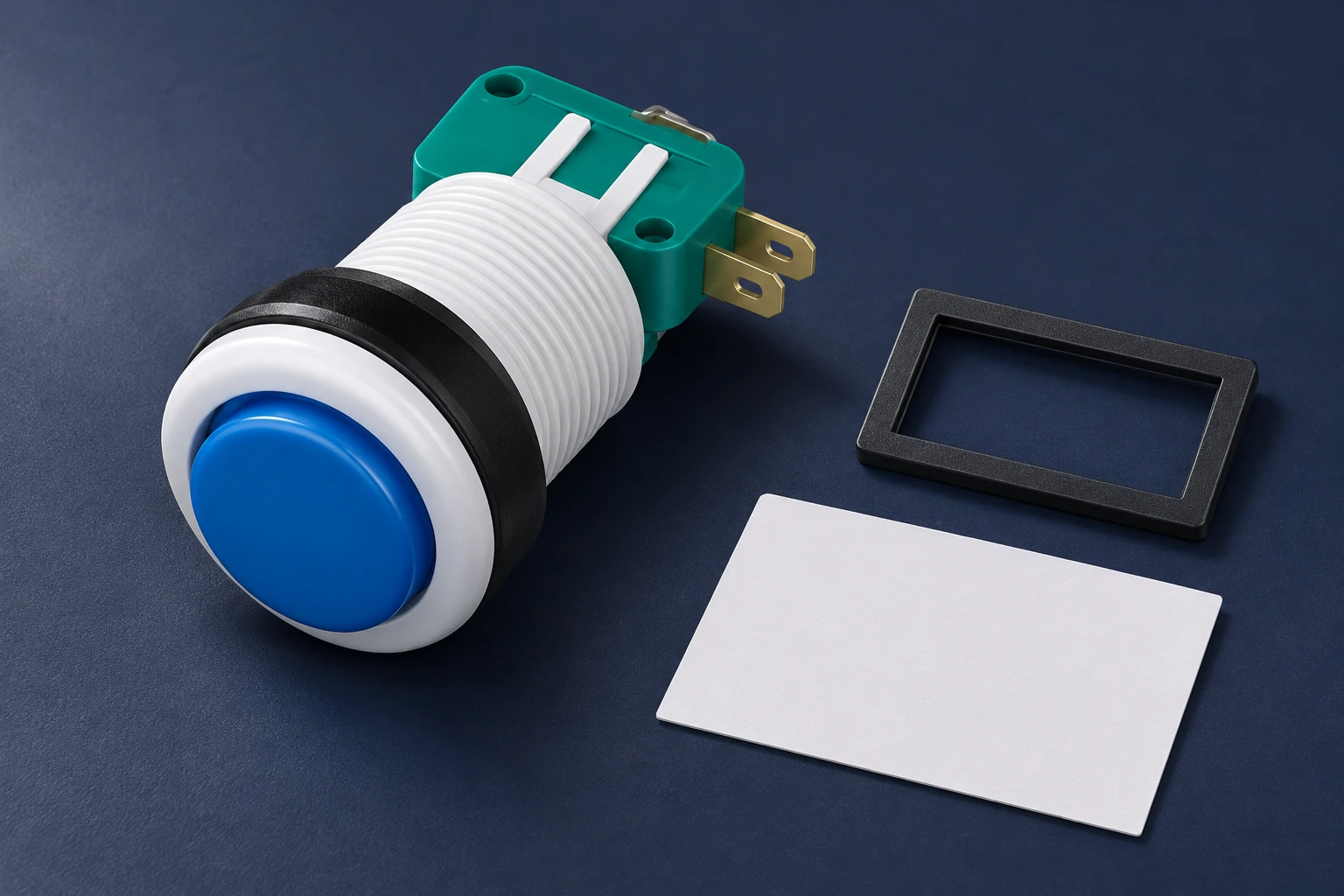
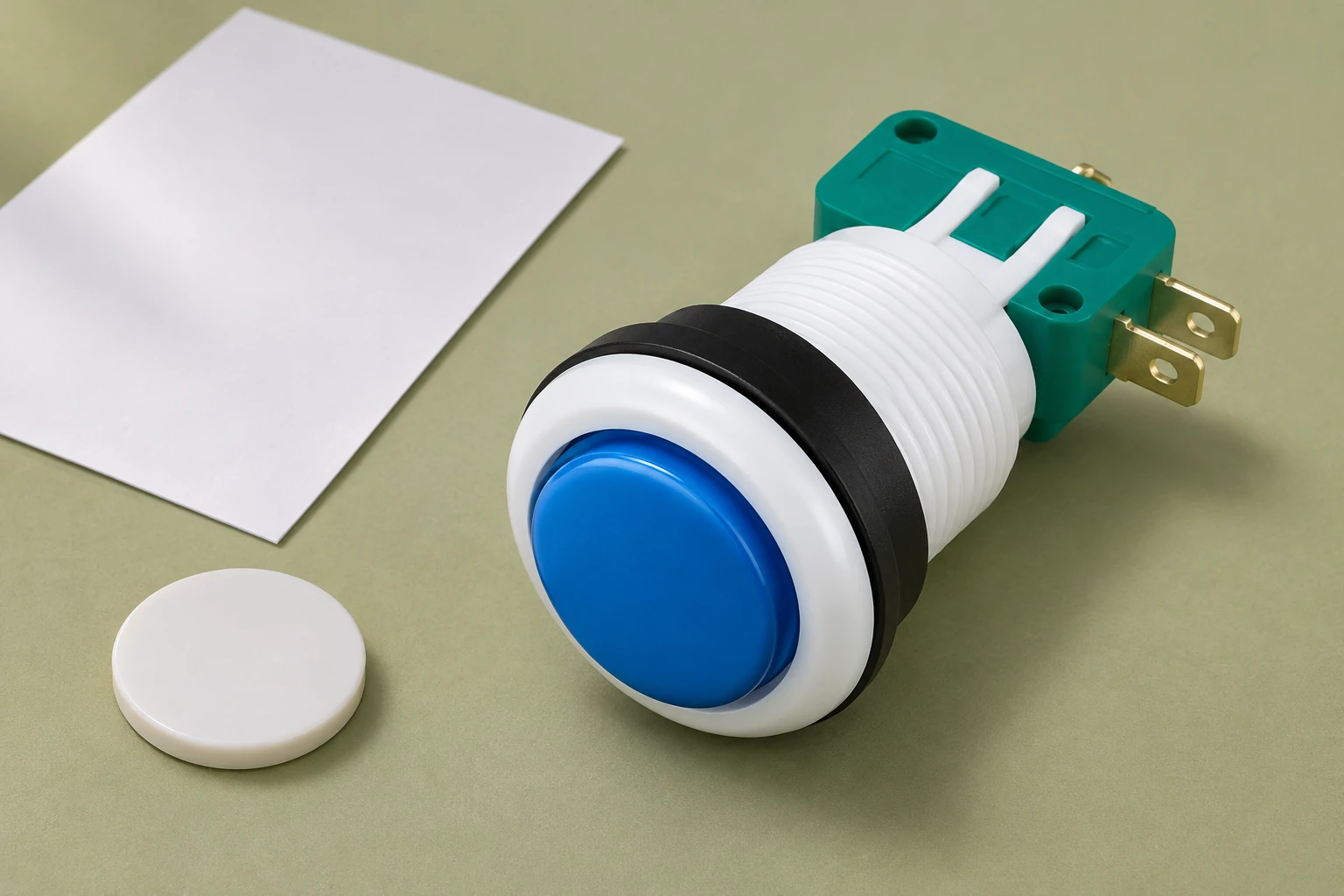
The PBS Series Push Button Switch provides the real product reference for this discussion. Its page shows button configurations and color options, but that does not establish tactile coding, Braille, accessibility approval or a particular custom cap service. Ask the supplier what exact configurations are available. Do not describe an optional feature as available merely because it would be useful to the proposed design.
Write down the function of each control and the consequence of selecting a neighboring one. Start with the task and panel arrangement before choosing a tactile feature. An identification method that works for an isolated button might become ambiguous in a dense control group. Keep the intended operator population and operating conditions in view throughout the review.
Review location, shape and surrounding landmarks
Potential cues include a distinguishable approved cap form, an associated fixed landmark or a consistent spatial arrangement. These are design options to assess, not universal instructions to change an existing panel. The surrounding equipment, cleaning needs and foreseeable interactions may limit which options are appropriate. A cue should be understandable in its installed context and remain associated with the intended control.
Do not add adhesive shapes, drill a cap or fit a homemade guard without evaluating the component and equipment implications. A modification can alter operating clearance, retention, cleaning or another important feature. Obtain an appropriate design and supplier review. The selected solution needs to preserve both the intended identification cue and the original control function.
A landmark can identify a group without identifying every control in it. Assess whether the operator can move from the landmark to the intended button reliably, especially when several similar controls sit nearby. Avoid assuming that a feature is self-explanatory. Record how its meaning is communicated and whether that meaning remains consistent across the machine.
Evaluate the actual operator task
Describe the starting position, approach direction, information available to the operator and the intended action. Include the return to a normal position and any repeated operations. A task description makes it possible to ask where confusion could arise instead of relying on a general impression that a panel “feels different enough.”
The HSE guidance on control room design emphasizes human factors and the relationship between operators and their controls. Its scope is broader than button cap design. Use that systems perspective to review the user, task and panel together, rather than treating the purchased switch as the entire interface.
Where gloves are part of normal work, include the actual glove types and conditions in the review. A feature detectable with bare fingers may be less useful through the gloves selected for the job. The push button operation with gloves guide addresses that related task question. Keep glove suitability and any required protective function under the responsible workplace assessment.
Create a clear review checklist
The following qualitative table helps organize the evidence. It supplies no universal tactile dimensions, spacing or operating-force limit. Those details depend on the applicable equipment requirements, chosen components and user assessment.
| Review question | Evidence to record | Avoid this assumption |
|---|---|---|
| Identification | How the intended control is recognized before actuation | A click identifies the correct control |
| Cue arrangement | Approved cap or separate landmark and panel position | Any added shape is suitable |
| Task | Approach, nearby controls and consequences of error | An isolated sample represents the full panel |
| Gloves | Relevant glove types and observed discrimination | Bare-hand results cover every glove |
| Maintenance | Approved references, cue arrangement and change limits | A visually similar spare preserves identification |
Record observations for the complete task, including hesitation, wrong-control selection, unintended operation and difficulty returning to the intended control. Define the acceptance questions before the review. An observation such as “two neighboring caps could not be distinguished through the specified glove” gives a useful design problem; “operators disliked the feel” leaves the cause unclear.
Use a safe mock-up or another appropriate review arrangement approved by the responsible team. Do not ask people to search by touch on live machinery where an unintended command could create a hazard. Keep trials separate from operation until the necessary assessment and safeguards are in place. This guide does not authorize blind operation or the removal of visual information.
Keep tactile cues complementary to visual information
Tactile identification can support a panel, but it does not remove the need for clear visual labeling where required. A cue may be unfamiliar, worn or obscured under the conditions of use. Review how the control is identified through the available information as a whole. Preserve consistent function names in instructions, panel legends and maintenance documents.
The push button color vision deficiency guide addresses visual discrimination beyond cap color. That subject complements touch-based identification without establishing the tactile characteristics of a product. A panel can need both reviews, particularly when similar controls must be identified under varying viewing and operating conditions.
Do not assign an emergency or safety function merely because a button feels distinctive. Applicable requirements for the control’s construction, arrangement, circuit and protective function still need to be met. Identification is one interface question. The equipment’s safety-related behavior requires its own evidence and responsible approval, including any necessary verification of the complete control system.
Understand the limits of accessibility references
The U.S. Access Board guide to operable parts explains requirements within the ABA standards, including the scope of covered operable parts. It is a useful example of why operation, reach and installation context matter. It is not a blanket certification route for an industrial control panel or a PBS switch.
Before applying a numerical requirement from any accessibility document, establish whether that document covers the equipment and jurisdiction in question. Different products and installations can fall under different requirements. Retain the applicable reference and interpretation in the design record. Do not transfer a building-accessibility dimension into a machine specification merely because both involve a button.
Touch-based identification also differs from Braille or raised-character signage. A distinctive physical cue does not become a recognized reading system without the relevant design and review. If the project needs a particular accessibility feature, specify it accurately and obtain suitable evidence. Keep proposed accommodations and verified product capabilities clearly distinguished during procurement.
Preserve identification during replacement and maintenance
A panel can lose its identification scheme when a maintenance team installs a visually similar spare. Record the approved switch reference, cap arrangement, any separate landmark and their relationship to the function. Include the identification information in the service documents so it survives beyond the original design discussion.
The industrial push button selection guide provides the broader procurement framework. Electrical contact arrangement, operating action and installation requirements still need to match the application. A tactile cue must not distract the buyer from verifying those basic functions. A correctly identified control with the wrong contacts remains an unsuitable replacement.
Define what maintenance should report when the cue changes. Wear, looseness, missing parts or obstruction may require review under the equipment procedure. Do not repair a tactile feature with an improvised substitute and assume that its meaning or mechanical effect remains equivalent. Preserve the original reference and obtain an assessed replacement arrangement where necessary.
Use human-factors education to frame the review
The Health and Safety Authority video below introduces human factors at work. It supports thinking about people, tasks and equipment together. It is not a PBS demonstration or proof that a proposed tactile scheme meets accessibility requirements. Use it as background when preparing a task review, while keeping the actual acceptance decision attached to the installed design and the applicable evidence.
Health and Safety Authority: Human Factors and Safety At Work | Health and Safety Authority

Watch Human Factors and Safety At Work | Health and Safety Authority.
Prepare an inquiry the supplier can act on
Provide a panel sketch, exact button reference, proposed identification method, task description and installation constraints. Ask whether the requested cap, holder or accessory exists and whether it is approved for the chosen configuration. Request drawings and relevant information before planning around a modification that the supplier has not confirmed.
Include the intended visual identification, glove use and maintenance needs. State the function of neighboring controls and the consequences of a wrong selection so the equipment designer can assess the arrangement. Supplier component information supports this process, but the overall task assessment belongs to the responsible equipment team. A component quotation alone cannot establish that users will identify every control correctly.
Retain the final approved arrangement, observations, unresolved questions and change triggers in the project record. The objective is a repeatable identification method that supports the intended task while preserving control function. No custom tactile cap capability or accessibility approval for the PBS series is claimed here. Confirm those matters separately for the exact product and application before release.
Frequently asked questions
Is tactile identification the same as tactile feedback?
No. Identification helps distinguish a control before actuation; feedback concerns the response to an action.
Can a color option establish a tactile coding feature?
No. Confirm the physical feature and exact component configuration separately.
May a homemade marker be added without review?
Do not assume so. Assess the modification with the responsible designer and supplier so control function and installation requirements remain satisfied.
Does this article certify PBS accessibility?
No. Accessibility requirements and the complete task need an applicable assessment. No custom tactile feature or approval is established here.